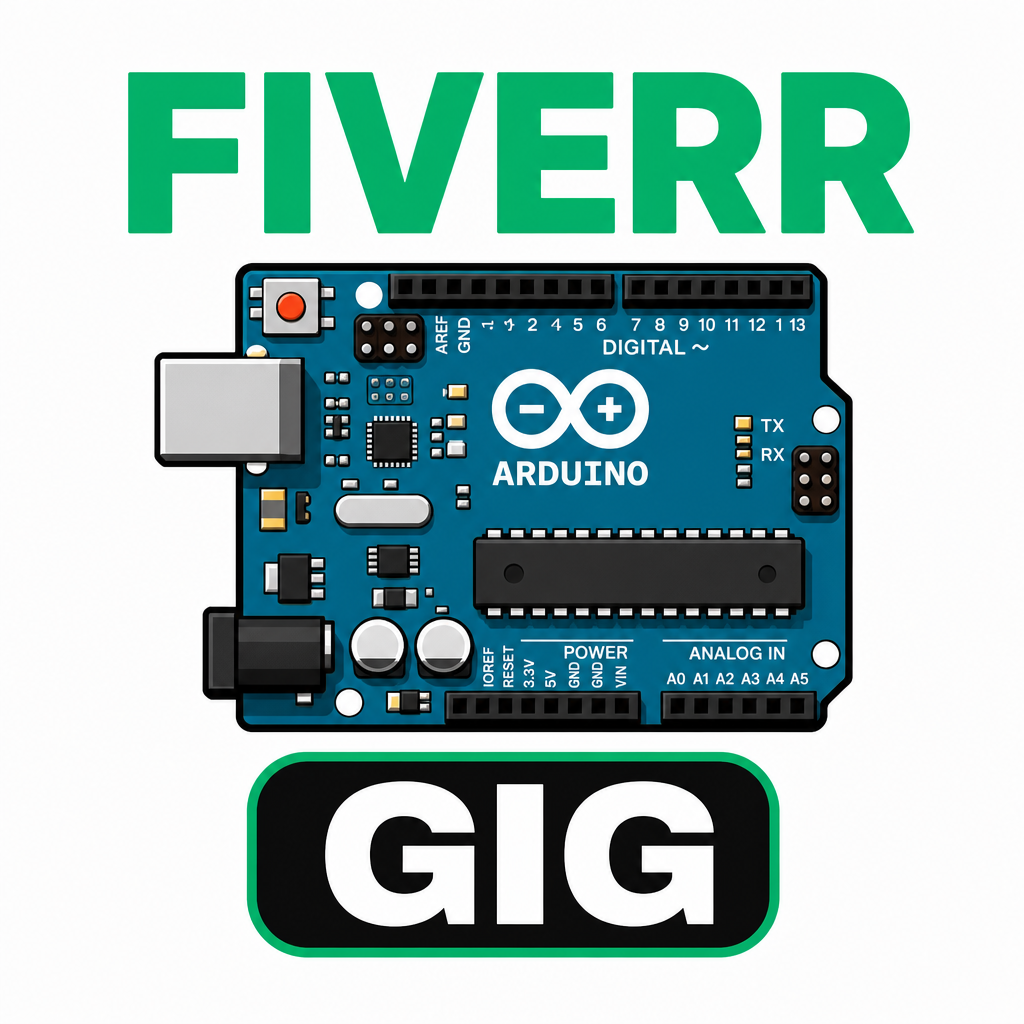
Arduino Proteus Library – Full Installation Guide
1st step: Download the library
Download it from the following link:
Download Arduino Proteus Library

2nd step: Unzip the file

3rd step: Copy the content of the file

4th step: Locate the Proteus Library folder

There are two possible locations:

Case 1: Program Files (x86) → Labcenter Electronics → Proteus 8 Professional → Library
Case 2: ProgramData → Labcenter Electronics → Proteus 8 Professional → Library


5th step: Paste the files into the Library folder

Adding an Arduino board in Proteus

Then search for Arduino:


