Stuck on Your Arduino or ESP32 Proteus Project? Here's How to Get It Done
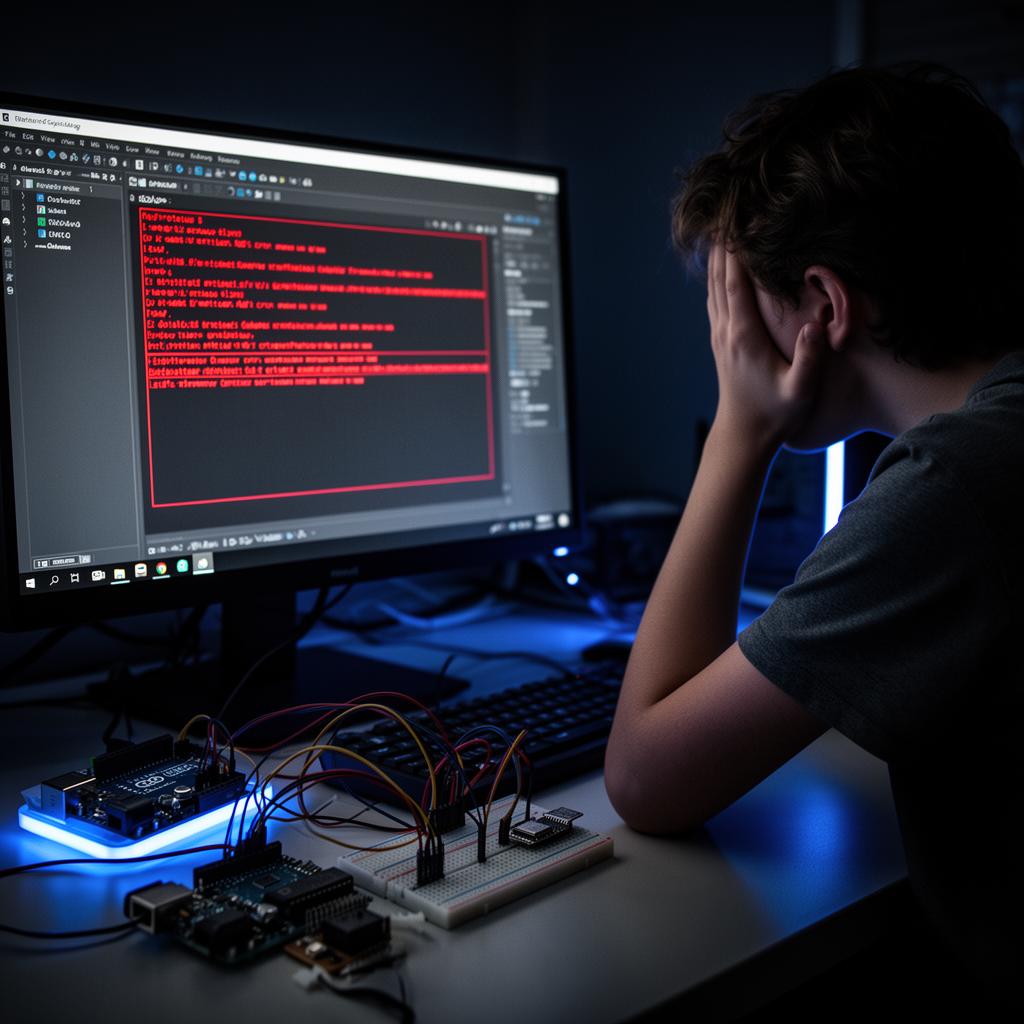
If you've ever sat in front of Proteus the night before a deadline — a circuit that won't simulate, a microcontroller ignoring your code, and red error messages everywhere — you already know the feeling. Arduino and ESP32 projects look effortless in tutorials, then turn into a wall the moment you try to build and simulate your own.
I've helped a lot of students and hobbyists get past exactly that wall. So in this post I'll walk through why these projects get stuck, what a finished project actually needs to be submit-ready, and how I can build yours for you if you've simply run out of time.
Why Arduino & ESP32 projects get stuck in Proteus
The same handful of problems trip almost everyone up:
- Proteus runs the .hex, not your sketch. Proteus can't read your .ino file directly. You have to compile the code in the Arduino IDE first, then load the generated .hex into the microcontroller in Proteus. Miss this and nothing runs.
- ESP32 isn't natively supported. Unlike the Arduino UNO, the ESP32 isn't built into Proteus. It needs a third-party library that's fiddly to install and easy to get wrong.
- WiFi and IoT can't be simulated in Proteus — at all. Anything that depends on WiFi, Bluetooth, a web server, Blynk, or the cloud cannot run in Proteus, because it has no network stack. These projects belong in Wokwi, which can actually reach the internet.
- Missing component models. Some sensors — gas (MQ2), soil moisture, rain, flame — have no real Proteus model. The standard fix is to simulate their input with a potentiometer or switch, which trips people up if they don't know the trick.
- Wiring slips and library conflicts. One swapped pin or a mismatched library version, and the whole simulation falls over with no clear error.
None of these are signs you're bad at electronics. They're just the quirks of the tools — and once you know them, the work becomes mechanical.
What a "finished" project actually includes
Here's the thing a lot of people miss: code is only one piece. You can find Arduino code for almost anything on GitHub for free. What GitHub doesn't give you is a project you can actually hand in.
A complete, submit-ready project needs four things working together:
- Clean, commented code that matches your exact components.
- A working simulation you can run and screenshot or record.
- A clear wiring/circuit diagram.
- Documentation or a full report — often in your university's format.
That combination — not the code alone — is what gets you the grade or the working prototype.
Out of time? I'll build it for you
I'm an embedded electronics engineer, and building these projects end to end is what I do. If you're stuck or the deadline is too close, I can build the whole thing for you, tested and ready to run.
Whether it's a class assignment, a final-year project, or a prototype you can't get working, you get:
- Clean, fully commented Arduino or ESP32 code
- A working simulation in Proteus 8 or Wokwi
- A circuit / wiring diagram
- Step-by-step documentation or a full project report
- Help loading the code and running the simulation yourself
I work with sensors, LCD and OLED displays, motors, keypads, IoT (WiFi/Bluetooth via Wokwi), and most common modules.
How it works
- Send me your project details or your assignment file.
- I confirm the scope, timeline, and an exact price before anything starts.
- I build and fully test it so it actually works on delivery.
- You get the files plus help running them — with revisions until you're satisfied.
Pricing
Projects start at just $15 for a simple build, with options that add a full written report and a short recorded walkthrough for more advanced, multi-sensor projects. You'll always get an exact quote before you order.
Get your project built
If you'd rather spend tonight sleeping than fighting Proteus, let me handle it.
👉 Get your Arduino or ESP32 project done here
Send me a message with what you need, and I'll tell you exactly what's possible and what it'll cost — no obligation.
Frequently Asked Questions
Q.Can you simulate WiFi / IoT projects?
Not in Proteus (it can't do wireless), but yes — in Wokwi for ESP32 WiFi projects.
Q.Do I get the source code?
Yes, fully commented and yours to keep.
Q.Can you match my university's report format?
Yes, just send me the template.
Q.Can you do it urgently?
Usually yes — message me first and I'll confirm.
The Engineer Post
Embedded systems engineer and educator. Writes weekly tutorials at EmbedLab to help beginners ship real hardware.
Related projects
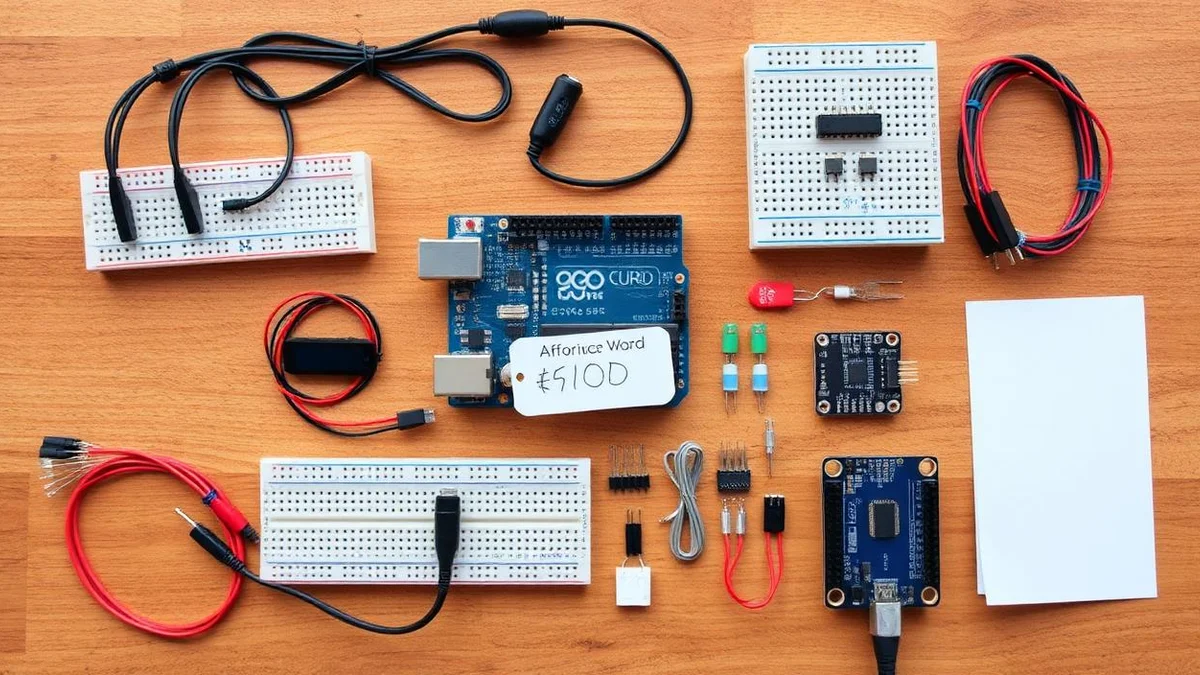
Cheap Electronics Products — Best Arduino UNO, Nano, Mega & ESP32 Kits on a Budget
Cheap electronics products and budget Arduino kits: Arduino UNO, Arduino Nano, Arduino Mega, ESP32 Arduino boards, LCD, LED, sensors and modules with the best Arduino price for hobbyists, students and STEM classrooms.
Best Elegoo Arduino UNO Kits for Beginners — Arduino IDE, LED & LCD Projects
The best Elegoo Arduino UNO kits for embedded electronics beginners in 2025: full Arduino IDE setup, beginner Arduino projects with LED and LCD, Arduino library examples, Arduino Nano and Mega alternatives, plus ESP32 Arduino upgrades — all at an unbeatable Arduino price.
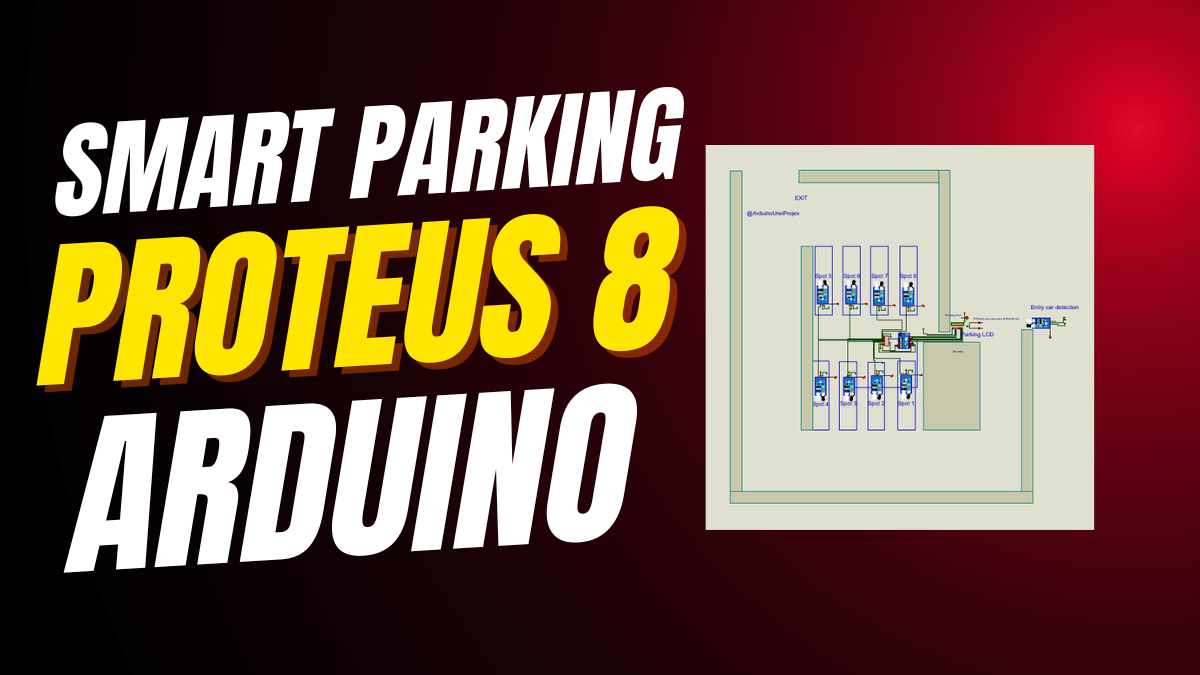
30+ Arduino UNO Projects for Beginners — Free Arduino IDE Code, LED & LCD
30+ beginner Arduino UNO projects with free Arduino IDE code, Arduino library examples, LED and LCD circuits, plus Arduino Nano, Arduino Mega and ESP32 Arduino tutorials — perfect first Arduino project ideas to download and build today.
Elegoo vs Arduino UNO — Best Arduino-Compatible Board, IDE & Price Compared 2025
Elegoo vs Arduino UNO in 2025: compare Arduino IDE compatibility, Arduino price, Arduino board quality, Arduino kit contents, Arduino Nano and Arduino Mega clones, plus ESP32 Arduino options to decide which Arduino-compatible board is right for your next Arduino project.
Arduino UNO vs Elegoo 2025 — Real Difference, Arduino Price & Which to Buy
Arduino UNO vs Elegoo in 2025: the real difference in Arduino IDE support, Arduino price, Arduino kit contents, Arduino Nano, Arduino Mega, Arduino Pro and ESP32 Arduino — a buyer guide for your next Arduino project.