Online Circuit Simulators

Top 5 Online Circuit Simulators for Electronics Design
Designing electronics has never been easier thanks to online circuit simulators. These web-based tools let you build, test, and analyze circuits without installing heavy software. Whether you're a student, hobbyist, or professional engineer, you can access powerful simulation features from any browser. In this guide, we explore the top five online circuit simulators that combine ease of use with advanced functionality. Each platform offers unique strengths to match different learning styles and project needs.
Why Use an Online Circuit Simulator?
Online circuit simulators save time and space—you avoid downloading large programs or managing complex licenses. They work across devices (laptops, tablets, even phones) and often support real-time collaboration, enabling teams to design together remotely. Most importantly, they help you catch wiring and logic errors before building physical prototypes—reducing cost, waste, and frustration.
For beginners, visual feedback and guided interfaces make electronics far less intimidating. You learn by doing, with instant results.
Benefits of Web-Based Circuit Design Tools
- Zero installation: Log in and start designing immediately
- Automatic updates: No manual patches or version tracking
- Built-in component libraries: Millions of real parts with footprints and models
- Integrated workflow: Many combine schematic, simulation, and PCB layout
- Cloud access: Your designs are available from any device
1. EasyEDA: All-in-One Online Circuit Simulator
EasyEDA is a complete, browser-based Electronic Design Automation (EDA) suite that unifies schematic capture, SPICE simulation, and PCB design in one environment. This seamless integration lets you go from concept to manufacturing-ready board without switching tools.
It supports LTspice and KiCad file imports, making it ideal for continuing existing projects. Its massive component library includes real-world parts from major manufacturers, complete with datasheets and footprints—saving hours of research.
Key Features of EasyEDA
- Drag-and-drop schematic editor
- Fast mixed-signal SPICE simulation
- Professional PCB layout with 3D preview
- Gerber export for fabrication
- Real-time team collaboration
- Free tier with generous limits
Best for: Students, educators, and professionals who need end-to-end design—from simulation to PCB.
Learn More: Visit EasyEDA
2. Tinkercad Circuits: Best for Beginners and Arduino Projects
Developed by Autodesk, Tinkercad Circuits uses a virtual breadboard interface that mirrors real-world setups—making it perfect for learning electronics fundamentals. It fully supports Arduino and Micro:bit, allowing you to simulate code-driven projects like robots, sensors, and IoT devices.
Its dual coding system is a standout: you can start with block-based programming (like Scratch) and transition to real C++ as your skills grow. The simulator runs your code instantly, showing LED blinks, motor rotations, and sensor responses in real time.
Why Choose Tinkercad Circuits?
- Intuitive drag-and-wire interface
- Built-in interactive lessons
- Class and assignment management for teachers
- No SPICE complexity—focused on embedded logic
- Completely free
Best for: Absolute beginners, students, educators, and hobbyists building Arduino-based projects.
Learn More: Visit Tinkercad Circuits
3. CircuitLab: Fast and Clean Circuit Simulation
CircuitLab delivers a minimalist, professional-grade simulation experience focused purely on circuit analysis. Its clean interface reduces clutter, so you can focus on design—not software navigation.
One of its most powerful features is real-time simulation: as you adjust resistor values or input signals, output waveforms update instantly. This immediate visual feedback accelerates learning and debugging.
CircuitLab’s Core Strengths
- Accurate analog, digital, and mixed-signal simulation
- DC, AC, and transient analysis with one click
- Smart auto-wiring schematic editor
- Shareable live circuit links
- Unit-aware plotting (e.g., plot power = V × I)
While it doesn’t support PCB design or microcontrollers, it’s unmatched for pure circuit validation.
Best for: Engineering students, educators, and professionals who need fast, accurate circuit analysis.
Learn More: Visit CircuitLab
4. EveryCircuit: Real-Time Visual Circuit Simulator
EveryCircuit transforms abstract electronics into a dynamic visual experience. Instead of static graphs, you see animated current flow (as moving dots) and voltage gradients (as color changes) in real time. This makes concepts like capacitor charging, transistor biasing, or oscillator behavior intuitive—even for visual learners.
Available on web, iOS, and Android, it turns your tablet or phone into a portable electronics lab.
Interactive Learning with EveryCircuit
- Watch electricity “flow” through components
- Pre-built examples (amplifiers, filters, timers)
- Touch-friendly mobile interface
- Real-time parameter tuning
It doesn’t support PCBs or microcontrollers, but excels at analog and basic digital simulation with unparalleled visual feedback.
Best for: Visual learners, educators, and mobile users who want to see how circuits work.
Learn More: Visit EveryCircuit
5. Multisim Live: Professional SPICE Simulation Online
Multisim Live, from National Instruments (NI), brings industry-grade SPICE simulation to the browser. Built for accuracy and depth, it’s widely used in university labs and professional R&D.
It includes real manufacturer models from Texas Instruments, Analog Devices, and others—ensuring simulations reflect real-world behavior. You can run parameter sweeps, Bode plots, and noise analysis directly in your browser.
Multisim Live for Education and Industry
- Virtual labs that mimic physical oscilloscopes and function generators
- Secure team collaboration with commenting
- Curriculum-aligned content for educators
- Cloud-based access to professional-grade tools
The free tier supports learning and small projects; paid plans unlock full capabilities.
Best for: University students, instructors, and engineers requiring high-fidelity SPICE analysis.
Learn More: Visit NI Multisim Live
How to Choose the Right Simulator
| Goal | Recommended Tool |
|---|---|
| Full design → PCB workflow | EasyEDA |
| Arduino / beginner coding | Tinkercad Circuits |
| Fast analog/digital simulation | CircuitLab |
| Visualize current & voltage | EveryCircuit |
| Professional SPICE analysis | Multisim Live |
Also consider:
- Device: Tinkercad & EveryCircuit work well on tablets; others favor desktops
- Collaboration: EasyEDA and Multisim Live offer strong team features
- Microcontrollers: Only Tinkercad supports Arduino simulation
Start Simulating Today—No Installation Needed
All five platforms run in your browser. Create a free account and begin designing immediately. You’ll save time, reduce errors, and deepen your understanding of electronics—whether you’re blinking an LED or analyzing a power supply.
So pick the tool that matches your skill level and project type. Experiment, learn, and iterate—all without soldering a single joint.
💡 Pro Tip: Use simulation as your first step, not a replacement for hardware. Validate logic virtually, then build with confidence.
Final Thoughts
Online circuit simulators have democratized electronics design. They remove barriers, accelerate learning, and empower makers at every level. By exploring these top five tools, you’ll find the perfect environment to bring your ideas to life—faster, safer, and smarter.
Explore More from Embed Electronics Blog
EmbedLab Team
Embedded systems engineer and educator. Writes weekly tutorials at EmbedLab to help beginners ship real hardware.
Related projects

Stuck on Your Arduino or ESP32 Proteus Project? Here's How to Get It Done
Stuck on an Arduino UNO or ESP32 Proteus 8 project? I help students and hobbyists build working simulations, clean code, circuit diagrams and full reports. From $15 on Fiverr.
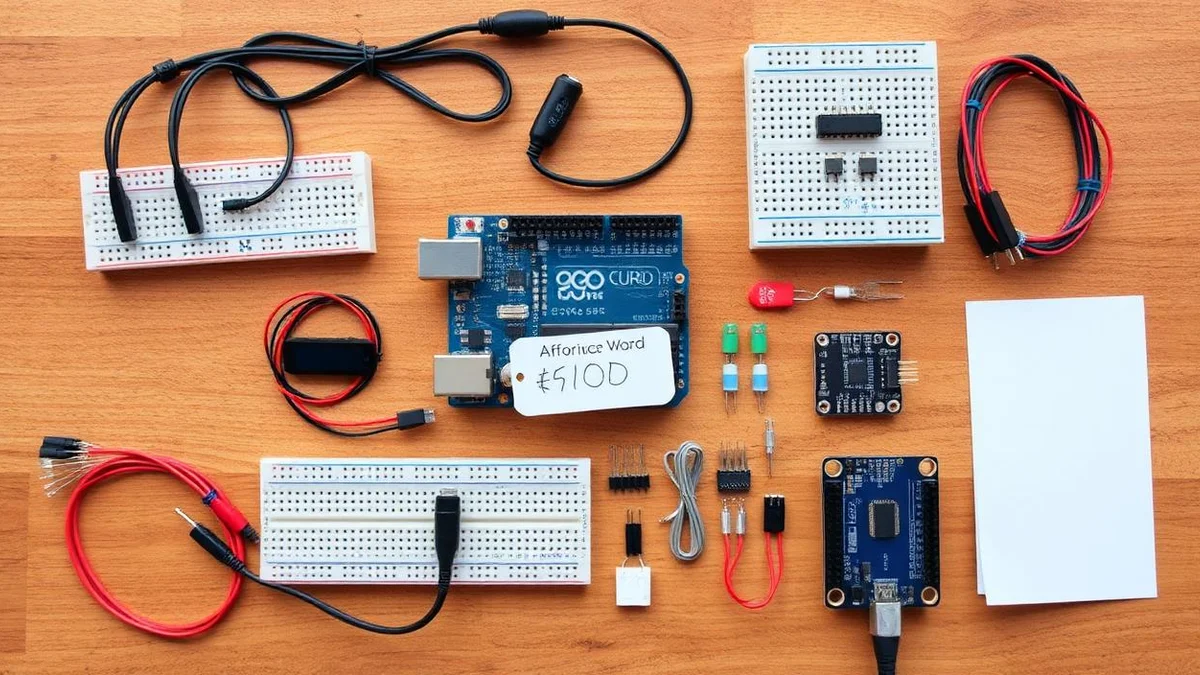
Cheap Electronics Products — Best Arduino UNO, Nano, Mega & ESP32 Kits on a Budget
Cheap electronics products and budget Arduino kits: Arduino UNO, Arduino Nano, Arduino Mega, ESP32 Arduino boards, LCD, LED, sensors and modules with the best Arduino price for hobbyists, students and STEM classrooms.
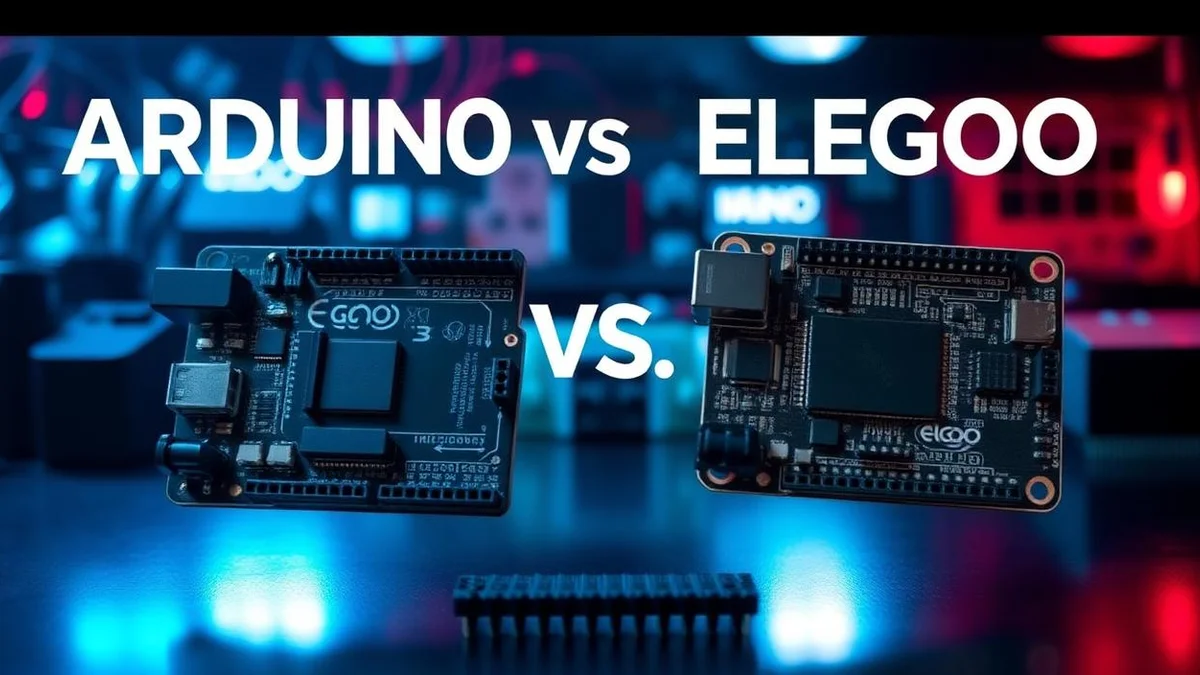
Best Elegoo Arduino UNO Kits for Beginners — Arduino IDE, LED & LCD Projects
The best Elegoo Arduino UNO kits for embedded electronics beginners in 2025: full Arduino IDE setup, beginner Arduino projects with LED and LCD, Arduino library examples, Arduino Nano and Mega alternatives, plus ESP32 Arduino upgrades — all at an unbeatable Arduino price.
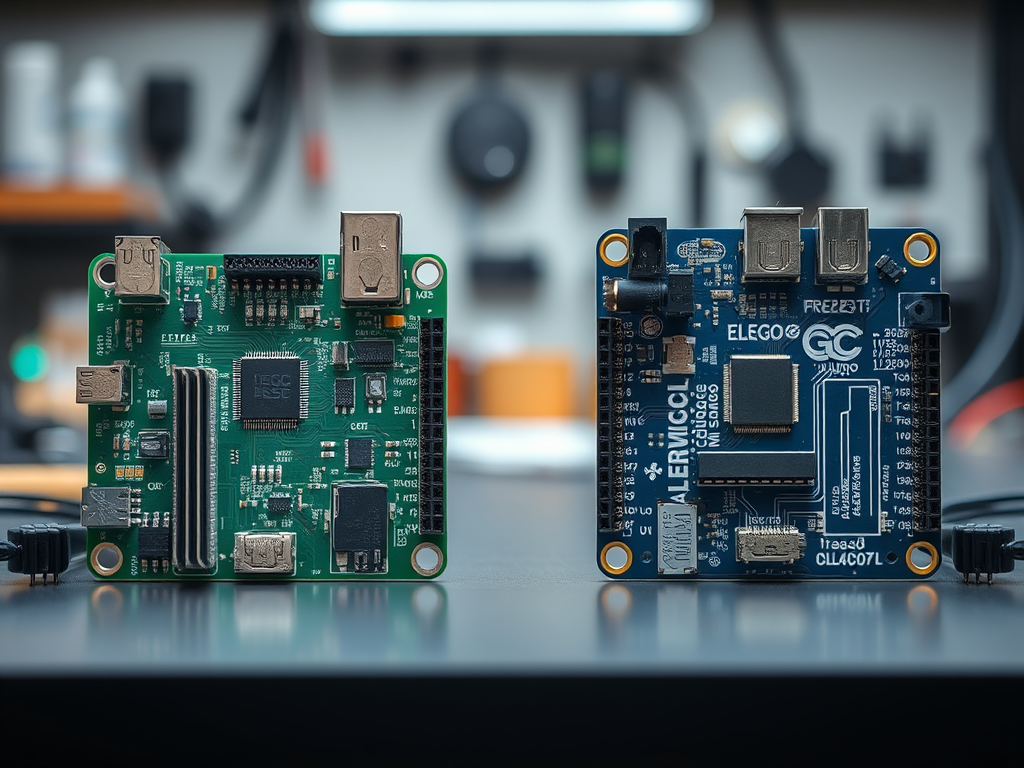
ESP WROOM 32
ESP WROOM 32: Unlock Wi-Fi/Bluetooth Power The ESP WROOM 32 is basically an Arduino with Wi-Fi built-in. Imagine your project suddenly gaining a “smartphone brain” – that’s what this chip delivers. It

30+ Arduino UNO Projects for Beginners — Free Arduino IDE Code, LED & LCD
30+ beginner Arduino UNO projects with free Arduino IDE code, Arduino library examples, LED and LCD circuits, plus Arduino Nano, Arduino Mega and ESP32 Arduino tutorials — perfect first Arduino project ideas to download and build today.