Ultrasonic Sensor Arduino (HC-SR04) — Wiring, Code & Proteus
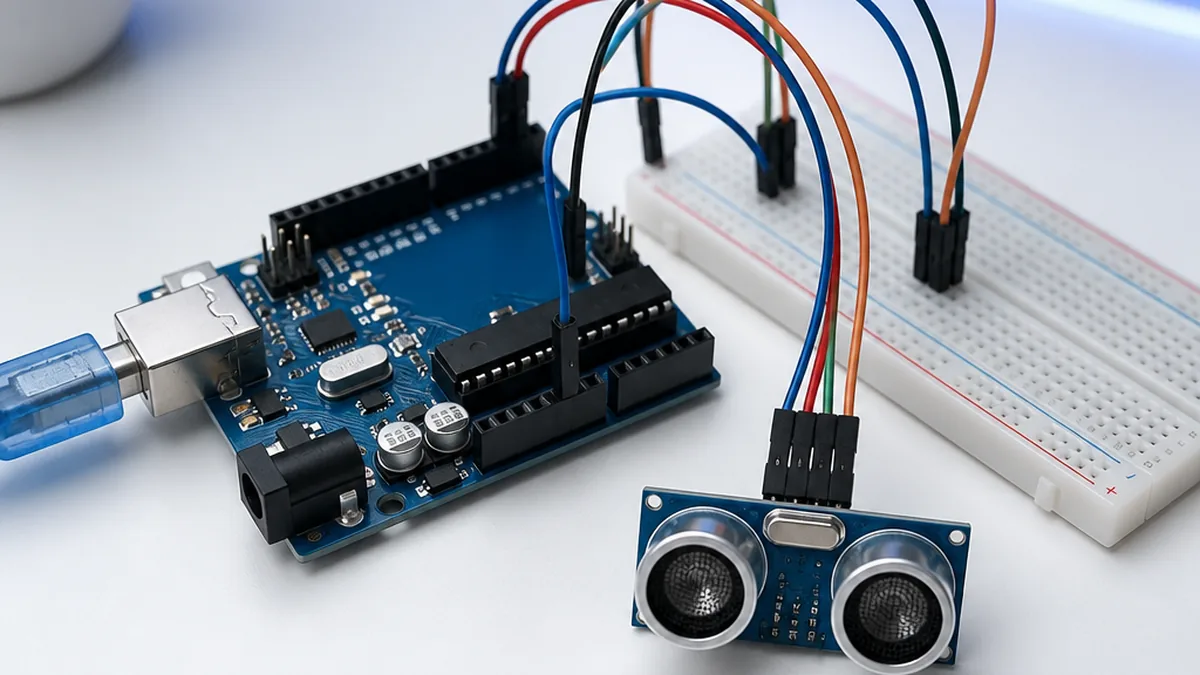
An Ultrasonic Sensor Arduino (HC-SR04) project measures distance by timing a 40 kHz ping bouncing off an obstacle. In this tutorial we wire the HC-SR04 to an Arduino Uno, walk through the ultrasonic sensor Arduino code, and open the same circuit in Proteus so you can simulate radar, parking and obstacle-avoidance projects.
Welcome to this beginner-friendly Arduino tutorial on the ultrasonic. By the end of the guide, you'll wire the module to an Arduino UNO, flash a short sketch, and read live values on the Serial Monitor — no prior electronics experience required.
Need this built for you? I do custom Arduino, ESP32 and Proteus projects from $15.
What you'll learn
- How the module works in plain language
- The exact parts you need and how to wire them safely
- The full Arduino IDE sketch with comments
- Common issues and how to fix them
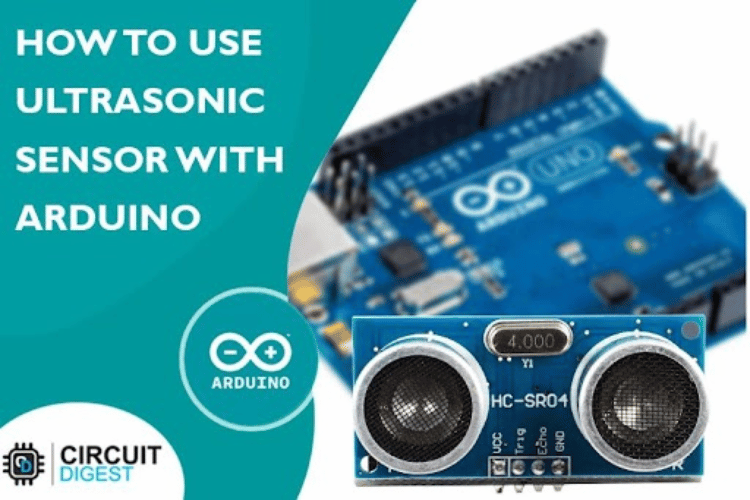
Arduino code
Open the Arduino IDE, paste the sketch below into a new file, install any libraries the sketch #includes (Tools → Manage Libraries), select your board and COM port, then click Upload.
const int trigPin = 4; // Trigger pin of the ultrasonic sensor (connected to Arduino digital pin 2)
const int echoPin = 5; // Echo pin of the ultrasonic sensor (connected to Arduino digital pin 3)
void setup() {
  Serial.begin(9600); // Initialize serial communication for debugging
  pinMode(trigPin, OUTPUT);
  pinMode(echoPin, INPUT);
}
void loop() {
  // Trigger the ultrasonic sensor by sending a 10us pulse
  digitalWrite(trigPin, LOW);
  delayMicroseconds(2);
  digitalWrite(trigPin, HIGH);
  delayMicroseconds(10);
  digitalWrite(trigPin, LOW);
  // Measure the time it takes for the echo to return
  long duration = pulseIn(echoPin, HIGH);
  // Calculate the distance in centimeters
  // Speed of sound in air at room temperature is approximately 343 meters/second or 0.0343 cm/microsecond
  // Divide the duration by 2 to account for the time it takes for the sound pulse to travel to the object and back
  int distance = duration * 0.0343 / 2;
  // Print the distance to the Serial Monitor
  Serial.print("Distance: ");
  Serial.print(distance);
  Serial.println(" cm");
  delay(1000); // Delay for readability (adjust as needed)
}
How it works
The sketch initialises serial communication and the ultrasonic driver in setup(), then in loop() it samples the sensor at a regular interval and prints the result to the Serial Monitor at 9600 baud. Open the Serial Monitor (Ctrl+Shift+M) after upload to see live readings.
Troubleshooting checklist
- No readings: verify the baud rate in Serial Monitor matches the sketch (usually 9600).
- Garbage characters: wrong baud rate or loose GND wire.
- Library not found: install the exact library referenced in the
#includeline via Library Manager. - Sensor not detected (I²C): run an I²C scanner sketch to confirm the address.
What to build next
Once the basic readout works, try logging values to an SD card, sending them over Wi-Fi with an ESP32, or pushing them to a Blynk IoT dashboard. Pair this module with our simulator round-up to prototype the circuit before soldering.
Stuck on your own build? Send me your Arduino / ESP32 / Proteus project on Fiverr — from $15, you don't pay if it doesn't work.
Frequently Asked Questions
Q.How to connect the HC-SR04 ultrasonic sensor to Arduino?
Wire VCC to 5V, GND to GND, Trig to a digital output pin (e.g. D9) and Echo to a digital input pin (e.g. D10). No pull-up resistors are needed.
Q.What is the ultrasonic sensor Arduino code?
Send a 10 µs HIGH pulse on Trig, then use pulseIn(Echo, HIGH) to measure the echo time in microseconds. Distance in cm = duration * 0.0343 / 2.
Q.What is the maximum range of the HC-SR04?
Rated 2 cm to 400 cm, but reliable readings in real-world conditions are usually 3 cm to about 250 cm. Soft surfaces and small objects reduce range.
Q.Can I simulate the HC-SR04 ultrasonic sensor in Proteus?
Yes. Proteus includes an ULTRASONIC / HC-SR04 model that responds to Trig pulses. Load the compiled .hex into a virtual Arduino Uno and read the distance on a virtual terminal.
The Engineer Post
Embedded systems engineer and educator. Writes weekly tutorials at EmbedLab to help beginners ship real hardware.
Related projects
 — Arduino UNO tutorial cover image](/uploads/arduino-covers/interfacing-the-sr04t-sr04m-waterproof-ultrasonic-sensor-with-arduino.webp)
Interfacing SR04T/SR04M Waterproof UltraSonic Sensor with Arduino Uno
Step-by-step Arduino tutorial: wire the the sr04t, sr04m waterproof ultrasonic to an Arduino UNO, upload the example sketch, and read live values on the Serial Monitor.
Water Level Sensor with Arduino
Step-by-step Arduino tutorial: wire the water level to an Arduino UNO, upload the example sketch, and read live values on the Serial Monitor.
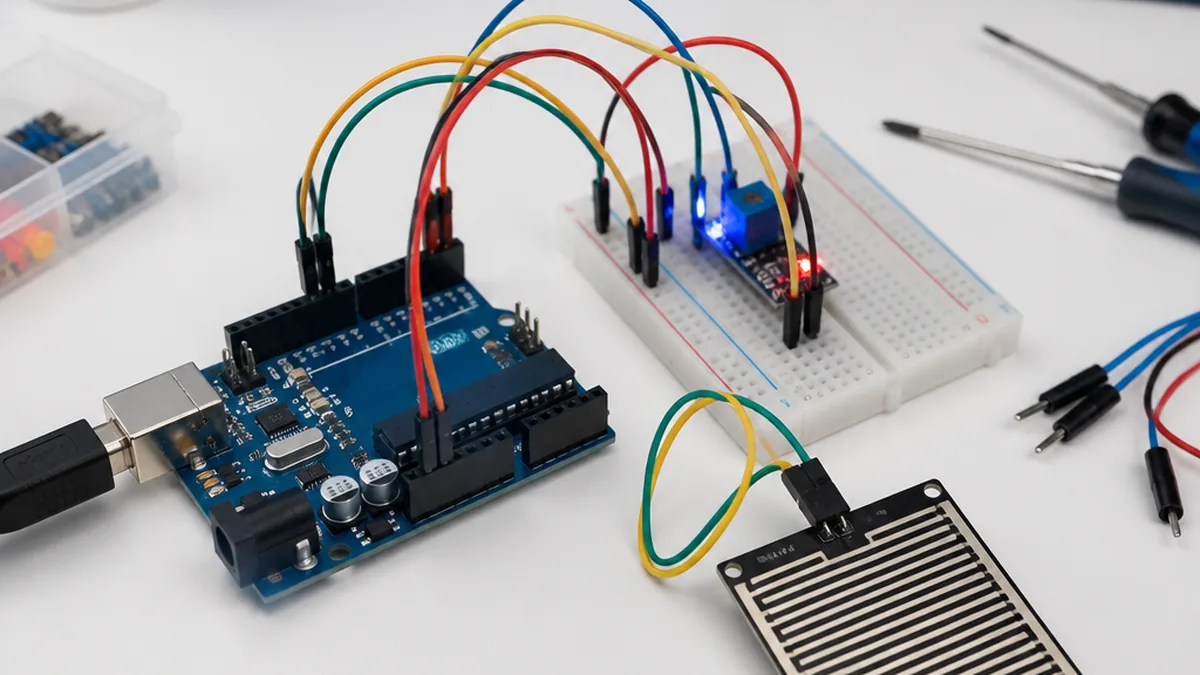
Rain Detection Sensor with Arduino
Step-by-step Arduino tutorial: wire the rain detection to an Arduino UNO, upload the example sketch, and read live values on the Serial Monitor.
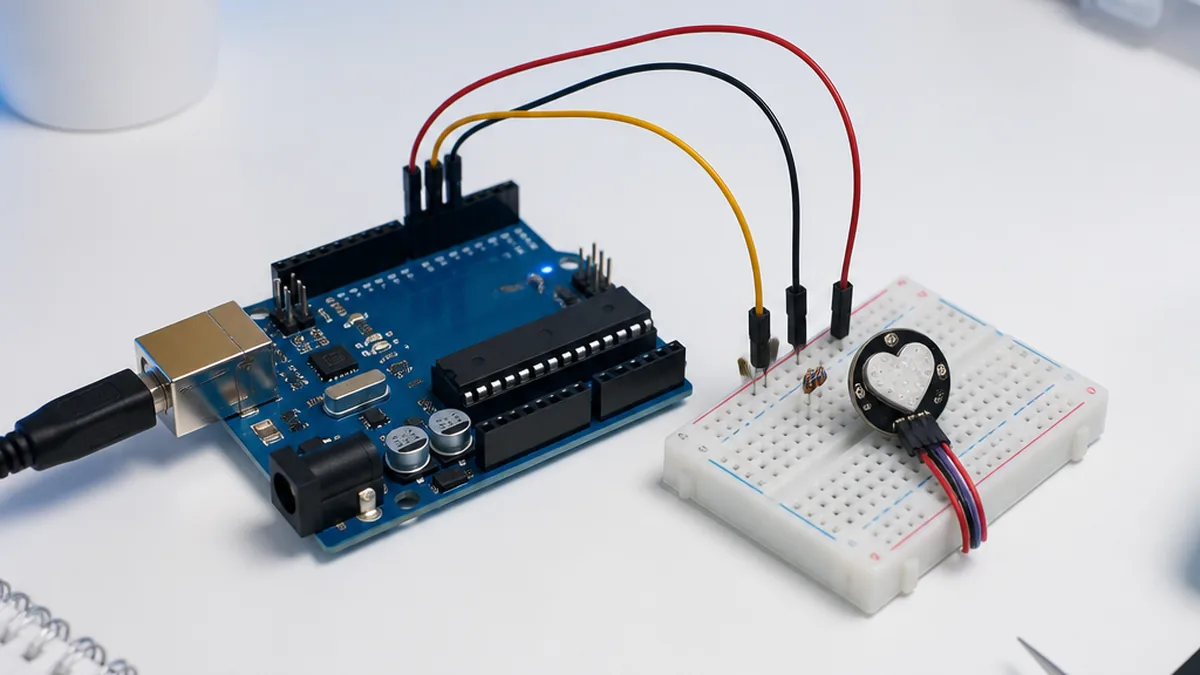
Pulse Sensor with Arduino
Step-by-step Arduino tutorial: wire the pulse to an Arduino UNO, upload the example sketch, and read live values on the Serial Monitor.
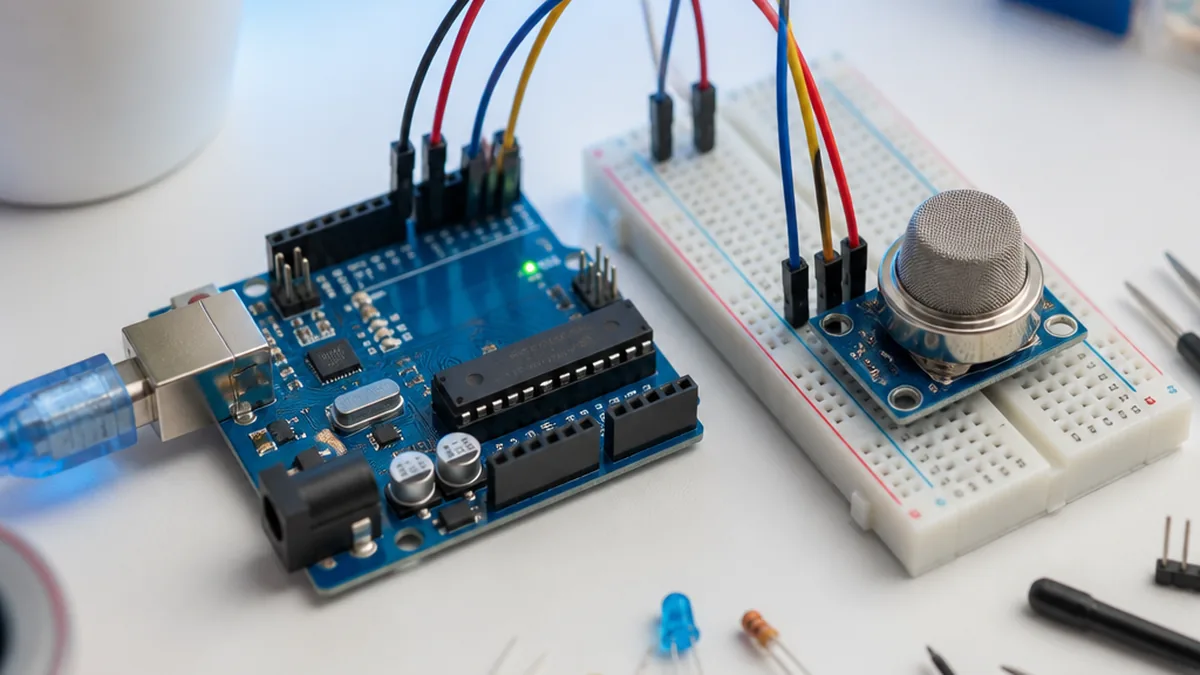
MQ2 Combustible Gas Sensor with Arduino
Step-by-step Arduino tutorial: wire the mq2 combustible gas to an Arduino UNO, upload the example sketch, and read live values on the Serial Monitor.