Top Arduino Beginner Projects (2025)

Note: Elegoo boards are NOT official Arduino but are 100% compatible with Arduino IDE and much more affordable for students and makers.
Beginner-Friendly Arduino Project: LCD Counting & LED Blinking (Step-by-Step)
Ready to dive into hands-on Arduino programming? In this project, you’ll use an Arduino-compatible board, an LCD display, and a simple LED circuit to learn the foundations of embedded electronics and microcontroller coding. This practical example is perfect for schools, STEM clubs, and absolute beginners!
- Difficulty: Absolute Beginner
- Learn: LCD interfacing, LED control, Arduino sketches, serial debugging
- Parts Needed: Arduino UNO/Mega, 16x2 LCD, LED, resistors, breadboard, jumper wires
Project Overview: What Will You Build?
- The LCD shows a count from 1 to 100—updated every second.
- An LED blinks every time the count is a multiple of 3 (using
digitalWrite). - After finishing, the LCD displays the total number of LED blinks.
You’ll gain real skills in wiring, programming, and problem-solving—core to any electronics, IoT, or robotics journey!
Schematic: Arduino LCD & LED Circuit Diagram
Arduino Code: LCD Counting & LED Blink Project
Copy, paste, and upload this code using the Arduino IDE or Arduino Web Editor:
#include <LiquidCrystal.h>
// For more tutorials: https://www.youtube.com/@EasyElectronics2
LiquidCrystal lcd(12, 11, 5, 4, 3, 2, 10, 9, 8, 7); // Adjust pins for your setup!
const int ledPin = 13;
int ledBlinks = 0;
void setup() {
  lcd.begin(16, 2);
  lcd.print("Subscribe!!");
  delay(1000);
  pinMode(ledPin, OUTPUT);
  lcd.clear();
  lcd.print("Counting to 100...");
}
void loop() {
  for (int count = 1; count <= 100; count++) {
    lcd.clear();
    lcd.setCursor(0, 0);
    lcd.print("Count: ");
    lcd.print(count);
    // Blink LED for multiples of 3
    if (count % 3 == 0) {
      digitalWrite(ledPin, HIGH);
      delay(1000);
      digitalWrite(ledPin, LOW);
      ledBlinks++;
    }
    delay(1000); // Wait before next count
  }
  // Display final result
  lcd.clear();
  lcd.print("Done! Count: 100");
  lcd.setCursor(0, 1);
  lcd.print("LED Blinks: ");
  lcd.print(ledBlinks);
  while (true); // Stop after counting
}
Download: Complete Project Files & Schematic
Watch: Full Arduino LCD & LED Tutorial Video
FAQ: Arduino, Raspberry Pi & Starter Kits
Q: What’s the difference between Raspberry Pi and Arduino?
Arduino is a microcontroller board—great for direct hardware control and simple tasks (sensors, relays, robots). Raspberry Pi is a mini computer—runs Linux, perfect for coding, networking, and multimedia projects.
Q: Are Elegoo boards as good as Arduino?
Yes! Elegoo boards are fully compatible with the Arduino IDE and most Arduino shields, but cost less—ideal for education and prototyping.
Q: What’s the best way to learn Arduino programming?
Start with hands-on projects (like this one!), explore tutorials on YouTube, and experiment with simple code modifications.
Q: Do I need jumper wires and USB-serial modules?
Absolutely—jumper wires are essential for any breadboard project. USB to Serial modules are crucial for programming and debugging many microcontrollers.
Related for Electronics & Arduino
- Arduino projects for beginners
- Best Raspberry Pi kit 2025
- DIY electronics starter pack
- Arduino Mega compatible board
- Sensor modules kit for Arduino
- USB to Serial CH340 module
- STEM robotics kits
- LCD display Arduino tutorial
- LED blink code Arduino
- Best electronics gifts for kids
EmbedLab Team
Embedded systems engineer and educator. Writes weekly tutorials at EmbedLab to help beginners ship real hardware.
Related projects

Top 3 Free Online Microcontroller Simulators + Essential Arduino & Electronics Tools (2025)
:root { --primary: #1a73e8; --accent: #ffb300; --bg: #f7fafc; --white: #fff; --text: #212121; --shadow: 0 4px 18px rgba(30,50,90,0.08); } body { font-family: 'Segoe UI', Arial, sans-serif; background:
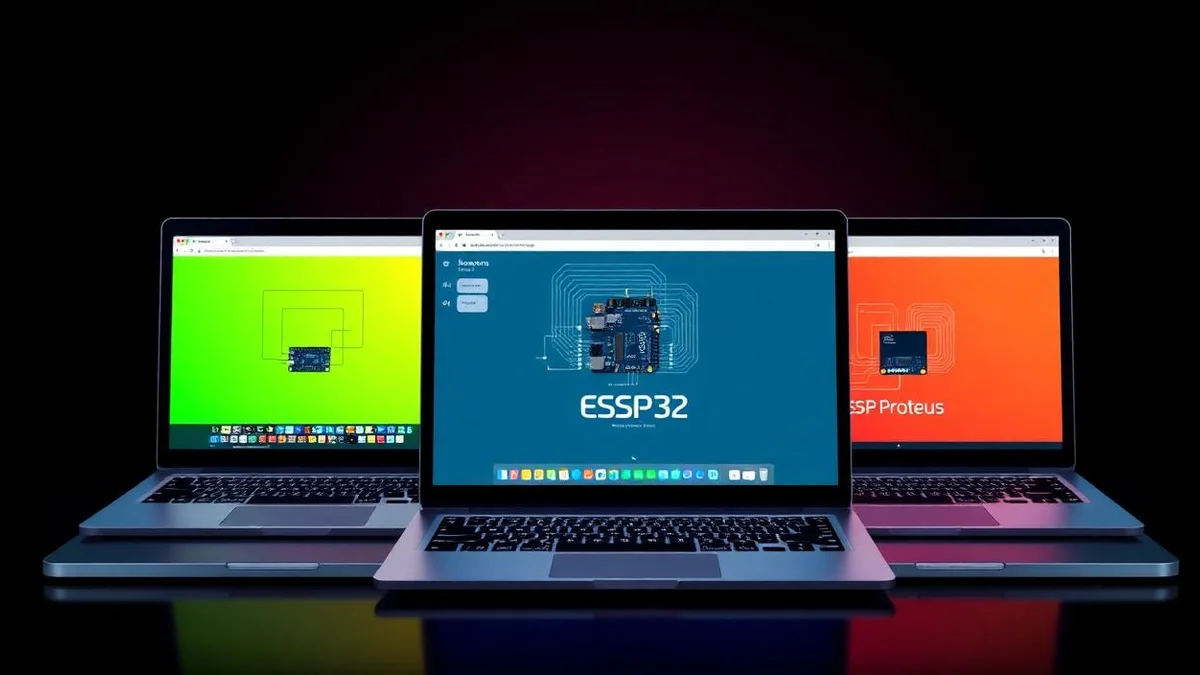
Top 3 Free Online ESP32 Simulators 2025 — Wokwi, Proteus & Tinkercad for Arduino ESP32
Compare the best free online ESP32 simulators in 2025: Wokwi simulation, Proteus simulation and Tinkercad for Arduino ESP32, ESP32 WROOM, ESP32-S3, ESP32-C3 and ESP32 DevKit Wi-Fi and Bluetooth projects — no hardware needed.

Ultimate Arduino Smart Parking Management System (2025) | Full Guide + Top Electronics Kits
:root { --primary: #1976d2; --accent: #ffb300; --bg: #f7fafd; --white: #fff; --text: #222; --shadow: 0 4px 18px rgba(30,50,90,0.09); } header { background: var(--primary); color: #fff; padding: 2.2rem

5 Simple Arduino Projects for Beginners
5 Simple Arduino Projects for Beginners body { font-family: Arial, sans-serif; line-height: 1.6; margin: 20px; background-color: #ffffff; color: #333; } h2, h3 { color: #222; } pre { background: #1e1e

3 Practical Arduino Projects: Displays, Frequency Measurement & Button Counter
3 Practical Arduino Projects: Displays, Frequency Measurement & Button Counter Whether you're a beginner eager to dive into the world of Arduino electronics or a seasoned hobbyist looking for creative