Online Circuit Simulators

In today's fast-paced world of electronics, having access to powerful and user-friendly online circuit simulators is crucial for hobbyists, students, and professional engineers alike. These web-based tools eliminate the need for complex software installations and offer a convenient way to design, simulate, and analyze electronic circuits from anywhere with an internet connection. This article highlights five of the best online circuit simulators available, focusing on their key features and benefits.
1. EasyEDA: Your Comprehensive Web-Based EDA Solution
asyEDA stands out as a comprehensive web-based Electronic Design Automation (EDA) tool. It seamlessly integrates schematic capture, powerful SPICE simulation capabilities, and robust PCB layout features all within a single, intuitive platform. This makes it an excellent choice for users who need an all-in-one solution for their electronics projects.
One of EasyEDA's key strengths is its compatibility with industry-standard tools. It supports importing designs from popular software like LTspice and KiCad, making it easy for users to transition or collaborate on projects created in different environments. Whether you're a beginner just starting with circuit design or a seasoned professional working on complex projects, EasyEDA offers a scalable and feature-rich environment.
Key Features: Schematic Capture, SPICE Simulation, PCB Layout, Component Library, Team Collaboration, Import from LTspice and KiCad, Browser-Based.
Learn More: Visit EasyEDA
2. Tinkercad Circuits: Learn and Build with Autodesk's Intuitive Platform
Tinkercad Circuits, developed by Autodesk, is an exceptionally intuitive and user-friendly platform specifically designed for building and simulating electronic circuits. It particularly excels in supporting popular microcontroller platforms like Arduino and Micro:bit, making it a fantastic tool for educational purposes and rapid prototyping.
Tinkercad Circuits offers a unique approach to coding with both block-based and text-based editors. This dual functionality allows beginners to grasp programming concepts visually while also providing a pathway to learning traditional coding languages. Its ease of use and focus on interactive learning make it a favorite among educators and hobbyists exploring the world of embedded systems.
Key Features: Circuit Building, Simulation, Arduino and Micro:bit Support, Block-Based and Text-Based Code Editing, Breadboard View, Component Library, Educational Focus.
Learn More: Visit Tinkercad Circuits
3. CircuitLab: Fast and User-Friendly Browser-Based Circuit Simulation
CircuitLab is a powerful yet user-friendly browser-based circuit simulator and schematic editor. It provides robust analog and digital simulation capabilities, making it suitable for a wide range of applications, from quick prototyping and experimentation to educational demonstrations. Its clean interface and intuitive controls make it accessible to users of all skill levels.
CircuitLab's focus on ease of use doesn't compromise its functionality. It offers a comprehensive set of components and simulation options, allowing users to analyze circuit behavior effectively. Its browser-based nature makes it highly accessible and eliminates the need for software installation, making it ideal for quick design iterations and collaborative projects.
Key Features: Schematic Editor, Analog Simulation, Digital Simulation, Real-Time Analysis, Shareable Circuits, Browser-Based.
Learn More: Visit CircuitLab
4. EveryCircuit: Interactive Circuit Simulation with Real-Time Visualization
EveryCircuit offers a unique and highly engaging approach to circuit simulation through its interactive real-time visualization of circuit behavior. This innovative feature allows users to see voltage and current changes dynamically as the simulation runs, providing a deeper understanding of how circuits function.
The availability of EveryCircuit on both web and mobile platforms adds to its convenience, allowing users to learn, experiment, and troubleshoot circuits on the go. Its intuitive interface and visual feedback make it an excellent tool for both educational purposes and for engineers who need a quick and visual way to analyze circuit dynamics.
Key Features: Interactive Simulation, Real-Time Visualization, Web and Mobile Access, Animated Current Flow, Voltage and Current Displays.
Learn More: Visit EveryCircuit
5. Multisim Live: Powerful Online SPICE Simulation by National Instruments
Multisim Live, developed by National Instruments (NI), is a robust online SPICE simulation tool that provides users with a powerful platform for creating, simulating, and sharing electronic circuits. Leveraging NI's expertise in simulation software, Multisim Live offers a wide range of components and advanced simulation capabilities suitable for both educational and professional design applications.
Multisim Live's online nature allows for easy collaboration and sharing of circuit designs. Its comprehensive component library and industry-standard SPICE engine enable users to analyze complex analog and digital circuits with accuracy. Whether you're a student learning the fundamentals of electronics or an engineer working on advanced designs, Multisim Live provides a valuable set of tools.
Key Features: Online SPICE Simulation, Comprehensive Component Library, Interactive Simulation, Collaboration Features, Suitable for Education and Professional Use.
Learn More: Visit NI Multisim Live
EmbedLab Team
Embedded systems engineer and educator. Writes weekly tutorials at EmbedLab to help beginners ship real hardware.
Related projects
Online simulators
body { font-family: 'Arial', sans-serif; line-height: 1.7; /* Slightly increased for better readability with more text */ margin: 0; padding: 0; background-color: #f8f9fa; /* Lighter page background *
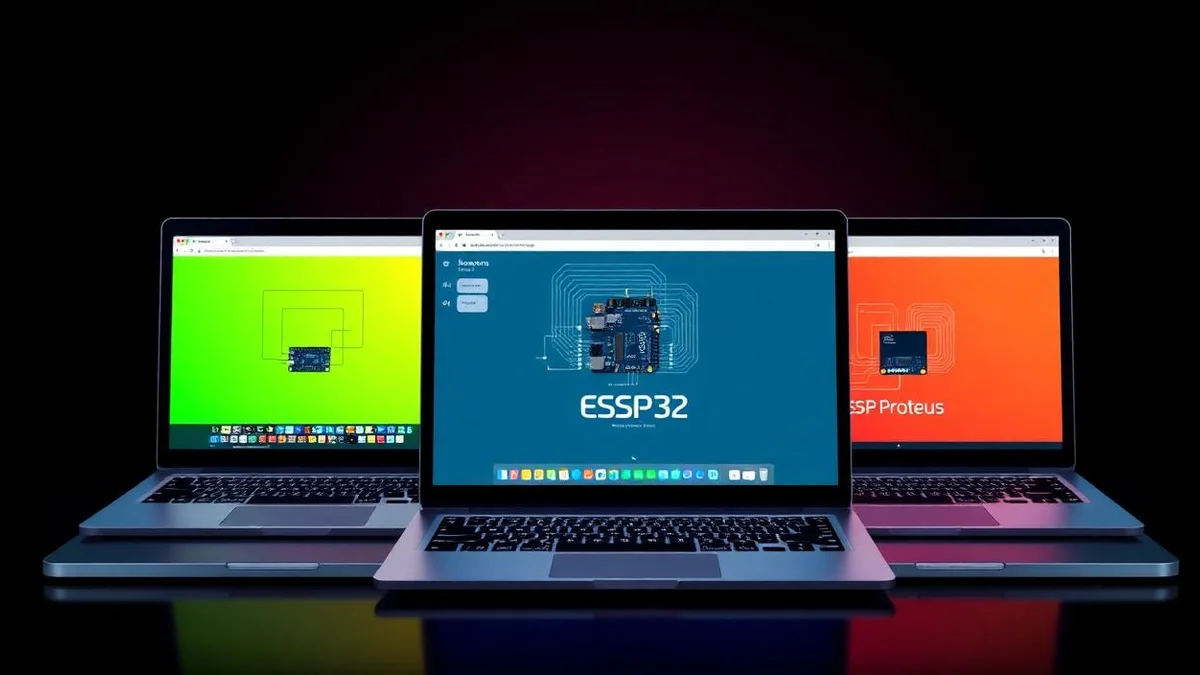
Top 3 Free Online ESP32 Simulators 2025 — Wokwi, Proteus & Tinkercad for Arduino ESP32
Compare the best free online ESP32 simulators in 2025: Wokwi simulation, Proteus simulation and Tinkercad for Arduino ESP32, ESP32 WROOM, ESP32-S3, ESP32-C3 and ESP32 DevKit Wi-Fi and Bluetooth projects — no hardware needed.

Top 3 Free Online Microcontroller Simulators + Essential Arduino & Electronics Tools (2025)
:root { --primary: #1a73e8; --accent: #ffb300; --bg: #f7fafc; --white: #fff; --text: #212121; --shadow: 0 4px 18px rgba(30,50,90,0.08); } body { font-family: 'Segoe UI', Arial, sans-serif; background:
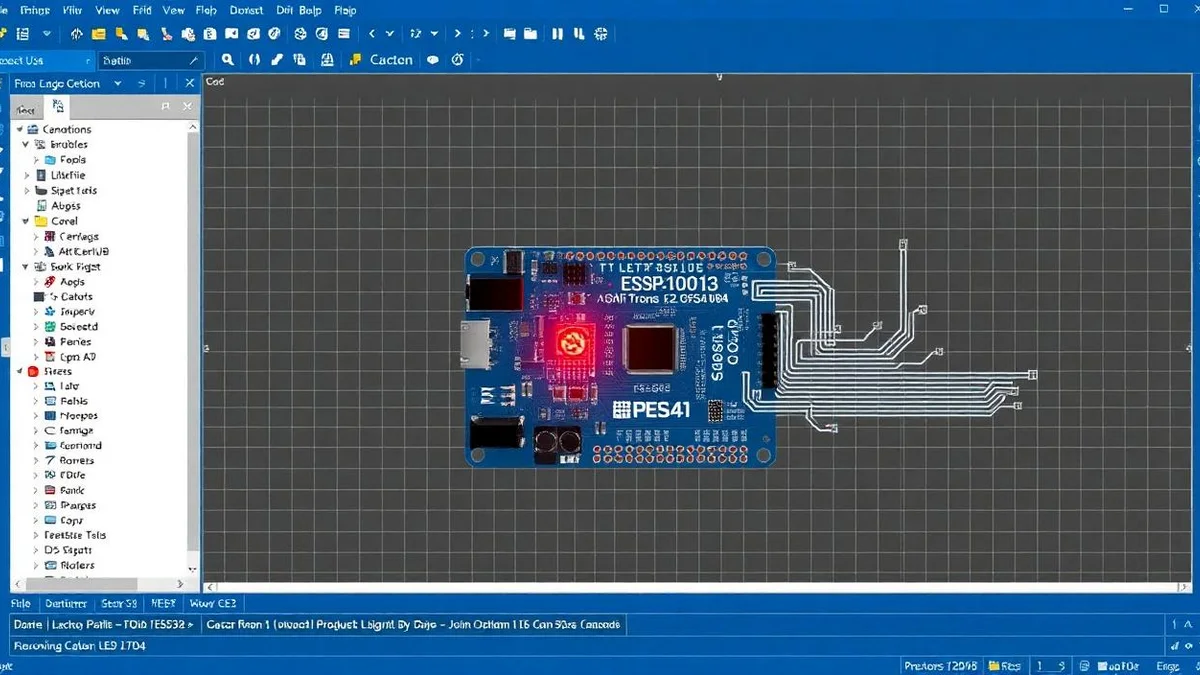
ESP32 LED Blink in Proteus 8 Simulation — Arduino IDE ESP32 WROOM DevKit Tutorial
Step-by-step ESP32 LED blink simulation in Proteus 8 using Arduino IDE ESP32, ESP32 WROOM-32 DevKit, the ESP32 pinout (GPIO2) and Wokwi/Proteus simulation — full Espressif ESP32 dev board code included.
ESP-WROOM-32: ESP32 Dev Board Specs, Pinout, Price, Wi-Fi & Bluetooth Guide
Complete ESP-WROOM-32 guide: ESP32 specs, ESP32 pinout, ESP32 price, Wi-Fi and Bluetooth, ESP32 DevKit setup in Arduino IDE, and how it compares to ESP32-S3, ESP32-C3, ESP32-CAM and ESP32 Mini boards from Espressif.